Opening Range Indicator
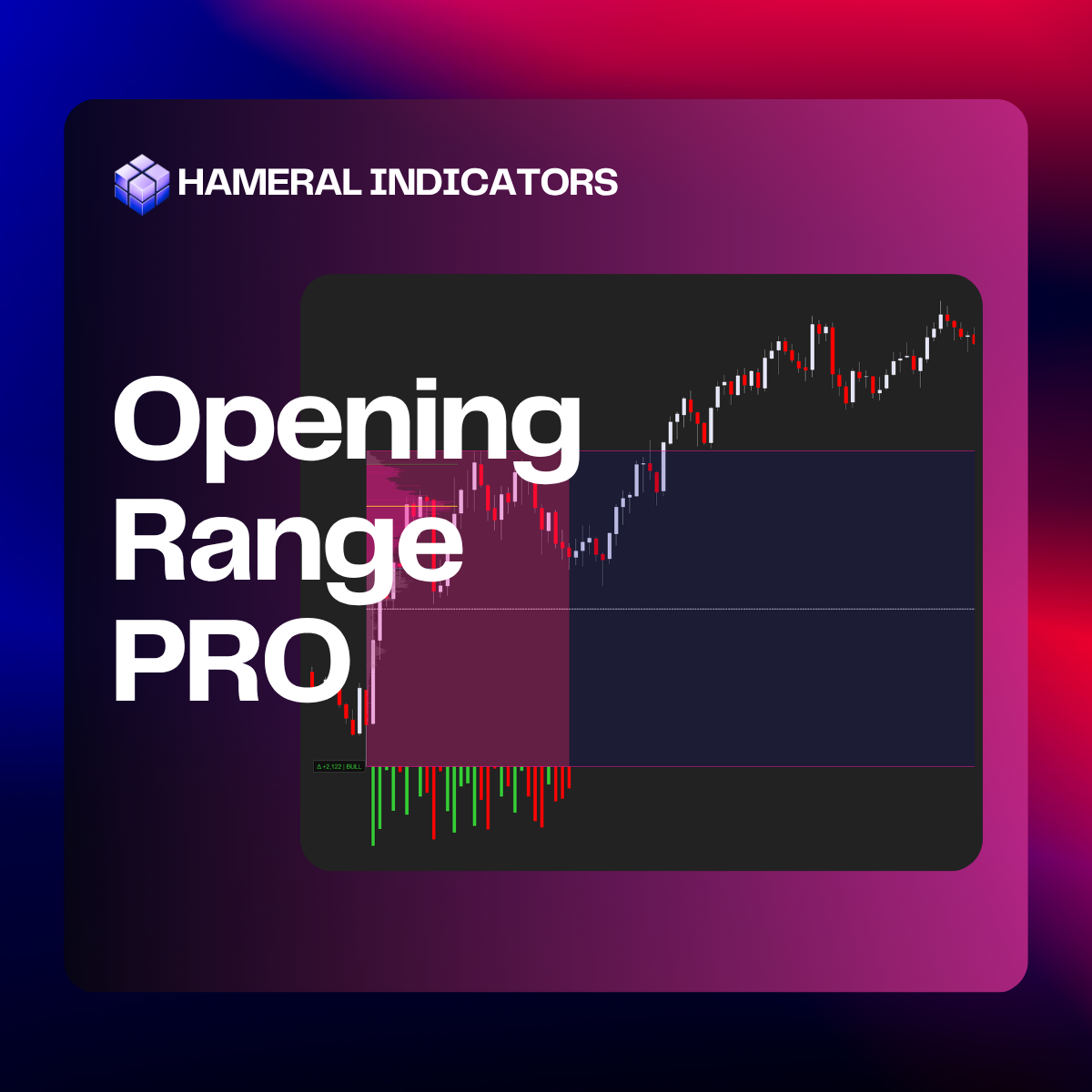
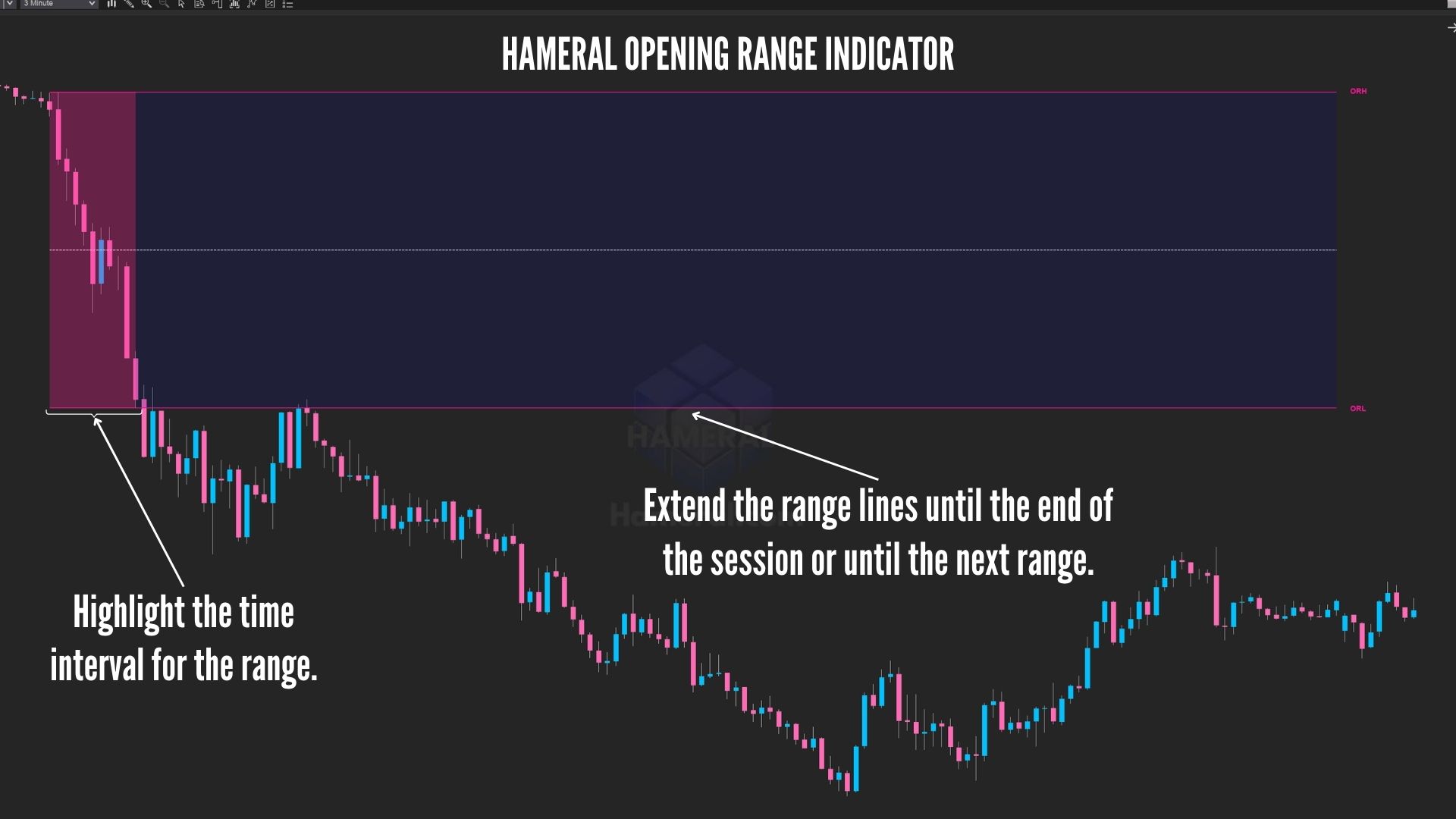
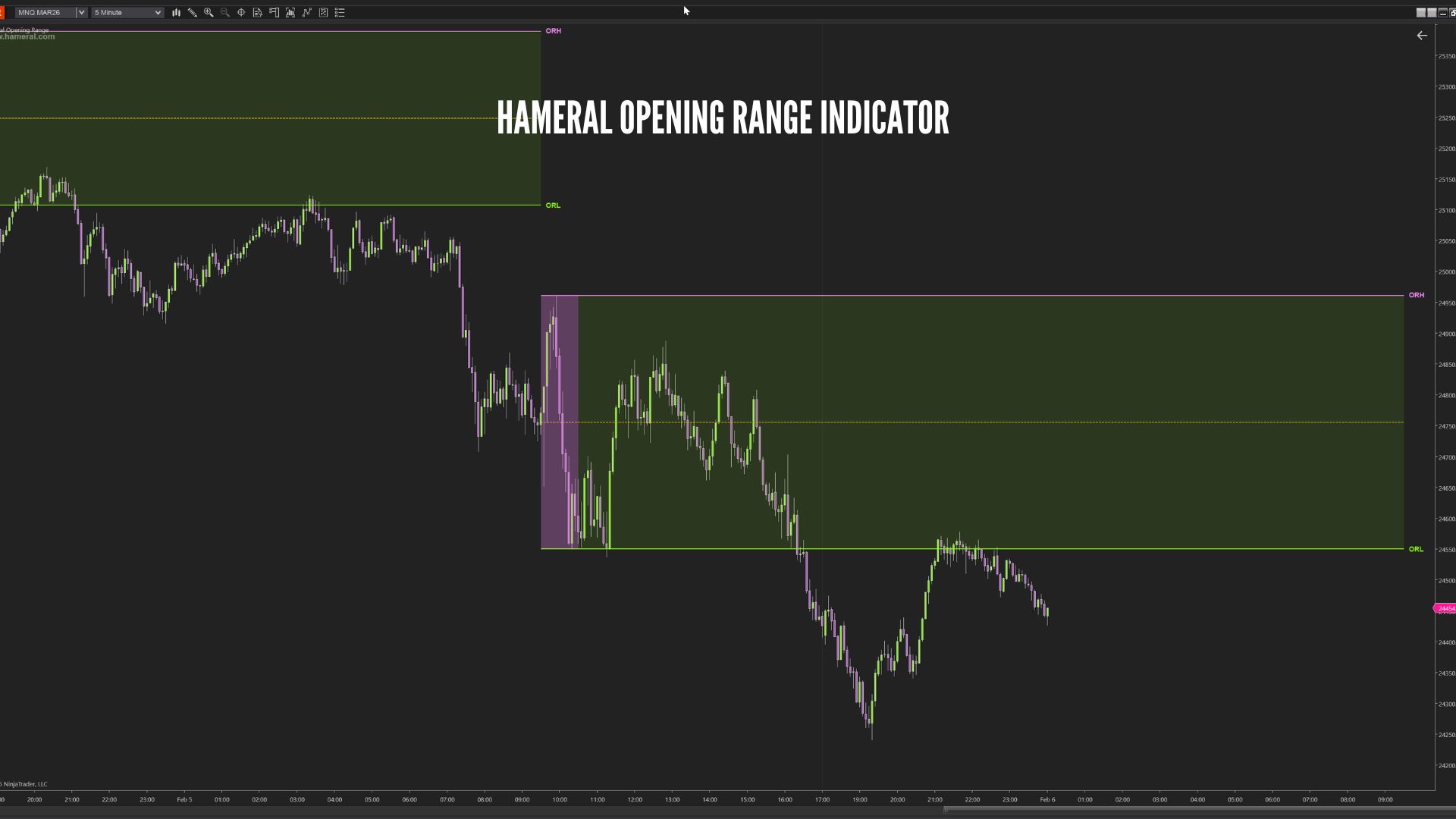
Hameral Opening Range plots the Opening Range High/Low + Mid and visually fills the range, then extends it forward so you always trade with the day’s most important structure on screen.

✔️LifeTime License ✔️ Free Updates ✖️ No Order Flow+ Needed
💳 All Major Cards
✖️ VAT Not Included
Description
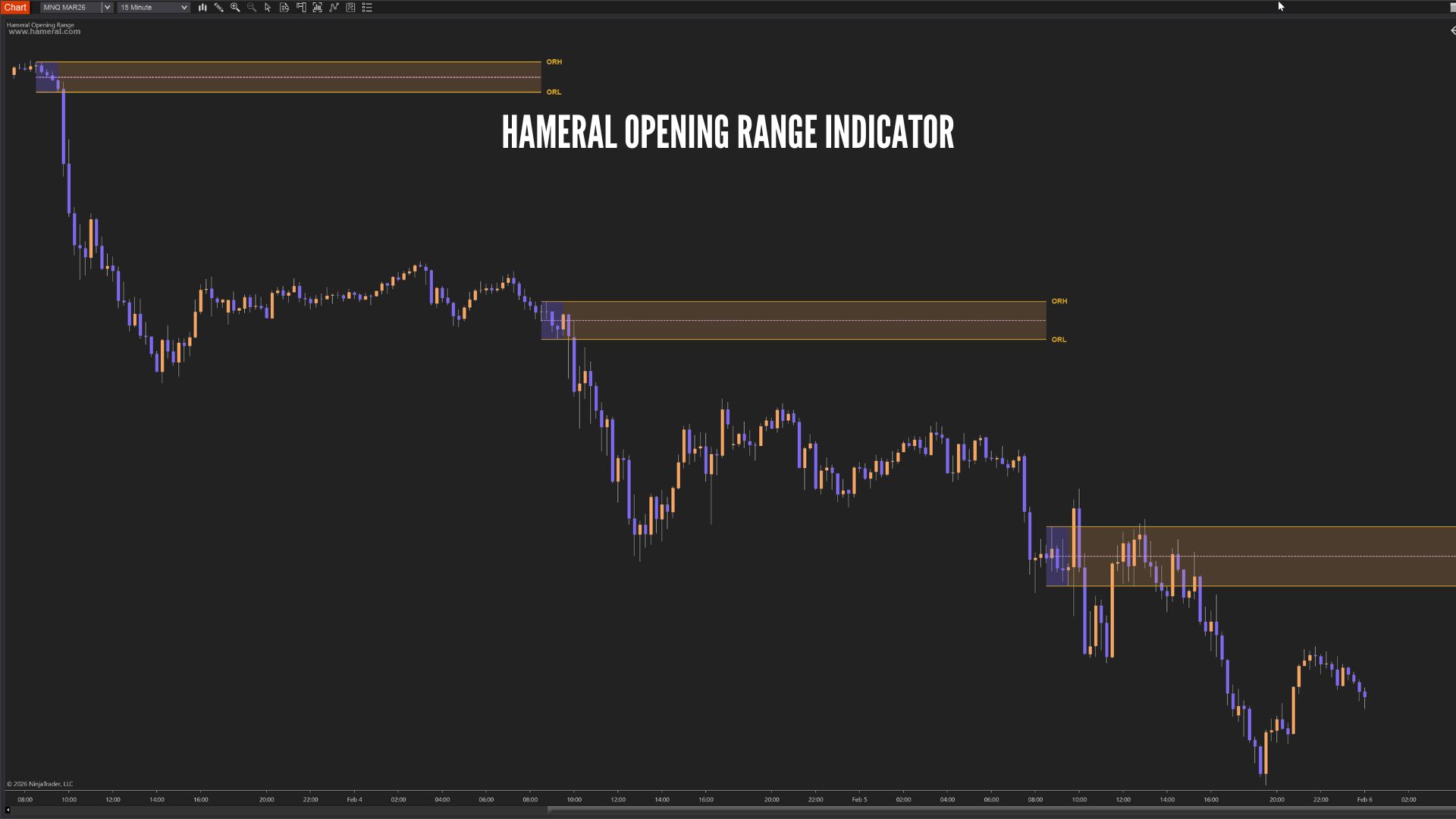
Unlike basic OR tools that leave messy drawings or extend incorrectly across weekends, this indicator includes a robust “NextRange” extension mode that handles session changes properly (yes — Friday to Monday works cleanly). You can also limit how many sessions are shown with Days To Display, keeping your charts fast and uncluttered.
Result: a cleaner chart, faster decision-making, and a reliable OR framework you can use for breakouts, fade setups, or bias confirmation.
Features & Setups
Core Levels
- Opening Range High (ORH) line
- Opening Range Low (ORL) line
- Midline (optional) for balance / mean reference
Visual Range Fill (Two-Stage Fill)
- Fill inside the OR window (Start → End) with customizable color & opacity
- Different fill for the extension area (End → extended end) with separate post-fill color & opacity
- Makes it visually clear what was the true opening range versus what is extension
Advanced Analysis Features:
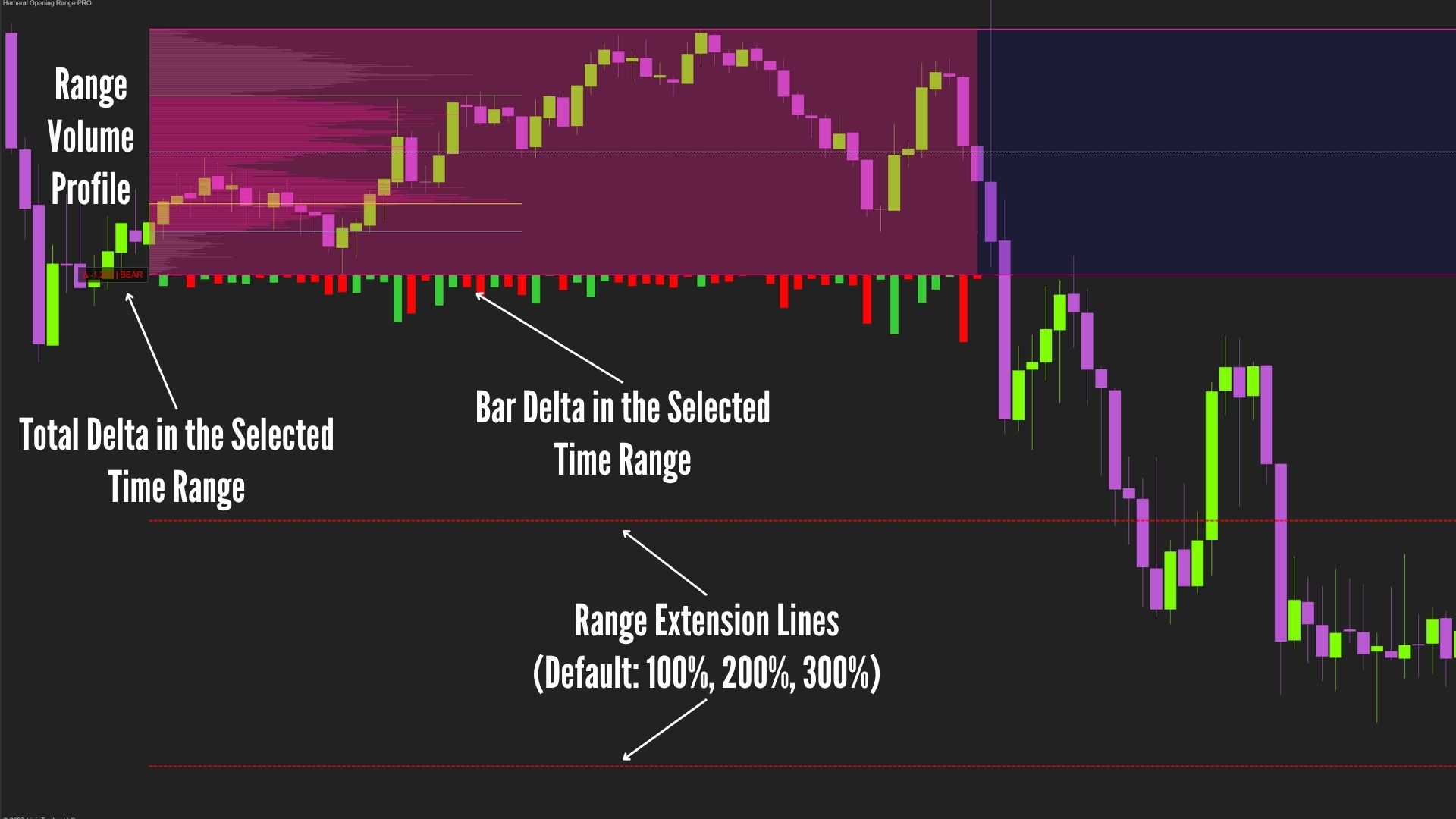
- Volume Profile for the selected time period, allowing you to identify reactions around POC, VAL, and VAH
- Delta Bars for the selected time range
- Total Delta for the selected time range, helping you evaluate market aggression at the open. Many traders use this as confirmation: when strong cumulative delta is followed by a clean breakout, it can support continuation in that direction.
Example: strong negative cumulative delta combined with a downside break and aggressive candles may indicate bearish intent. - Range extension lines for target projection, with default levels at 100%, 200%, and 300% of the range
Extension Modes (Key Differentiator)
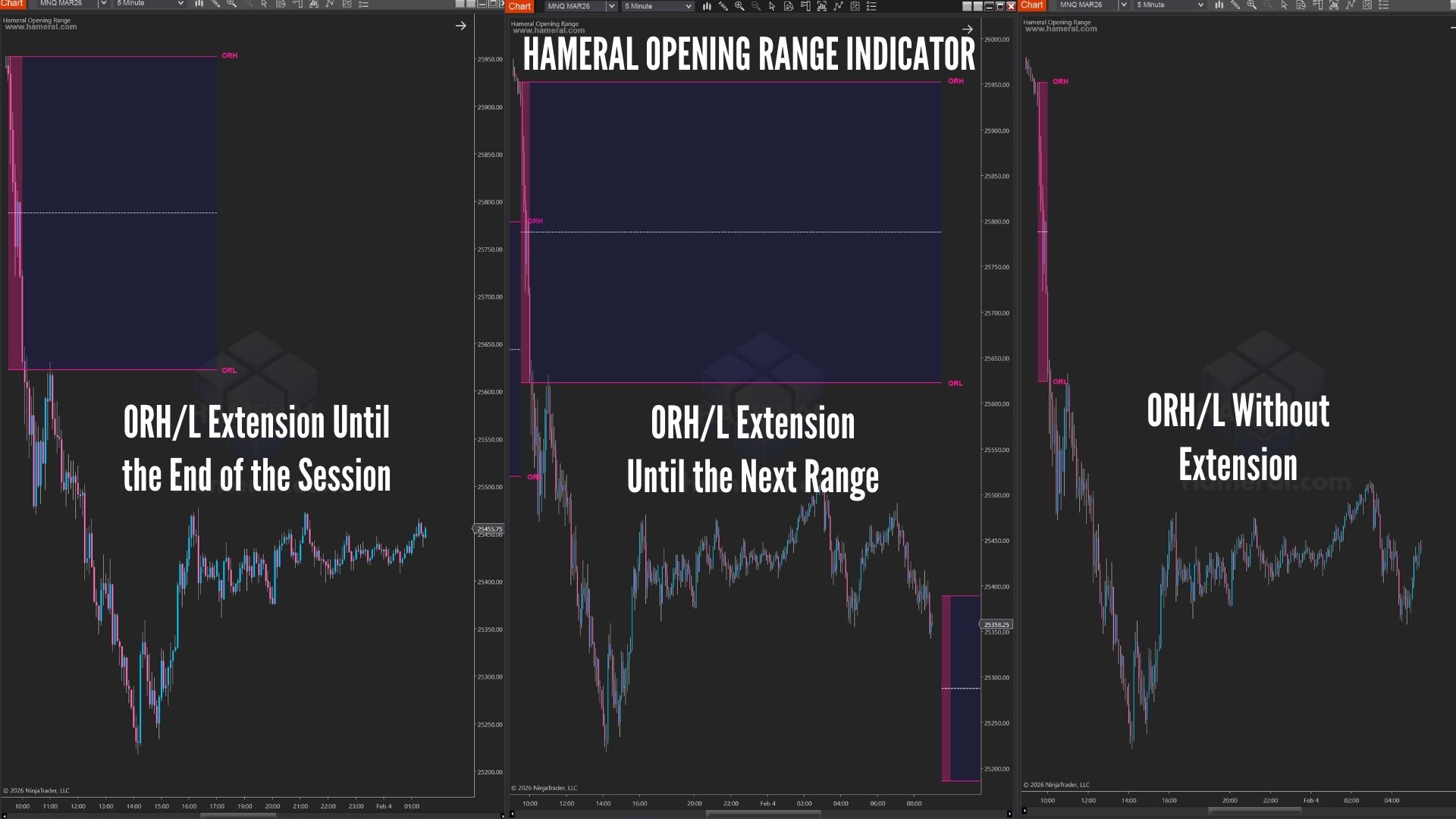
Choose how far the Opening Range levels project:
- None: Draws levels only until the OR end time.
- End of Session: Extends levels until the trading session closes.
- NextRange (Smart Mode): Extends previous session levels until the next session’s OR start.
- Handles weekends and holidays correctly
- Prevents broken extensions and overlapping drawings
Labels & Readability
Optional labels printed at the end of the range:
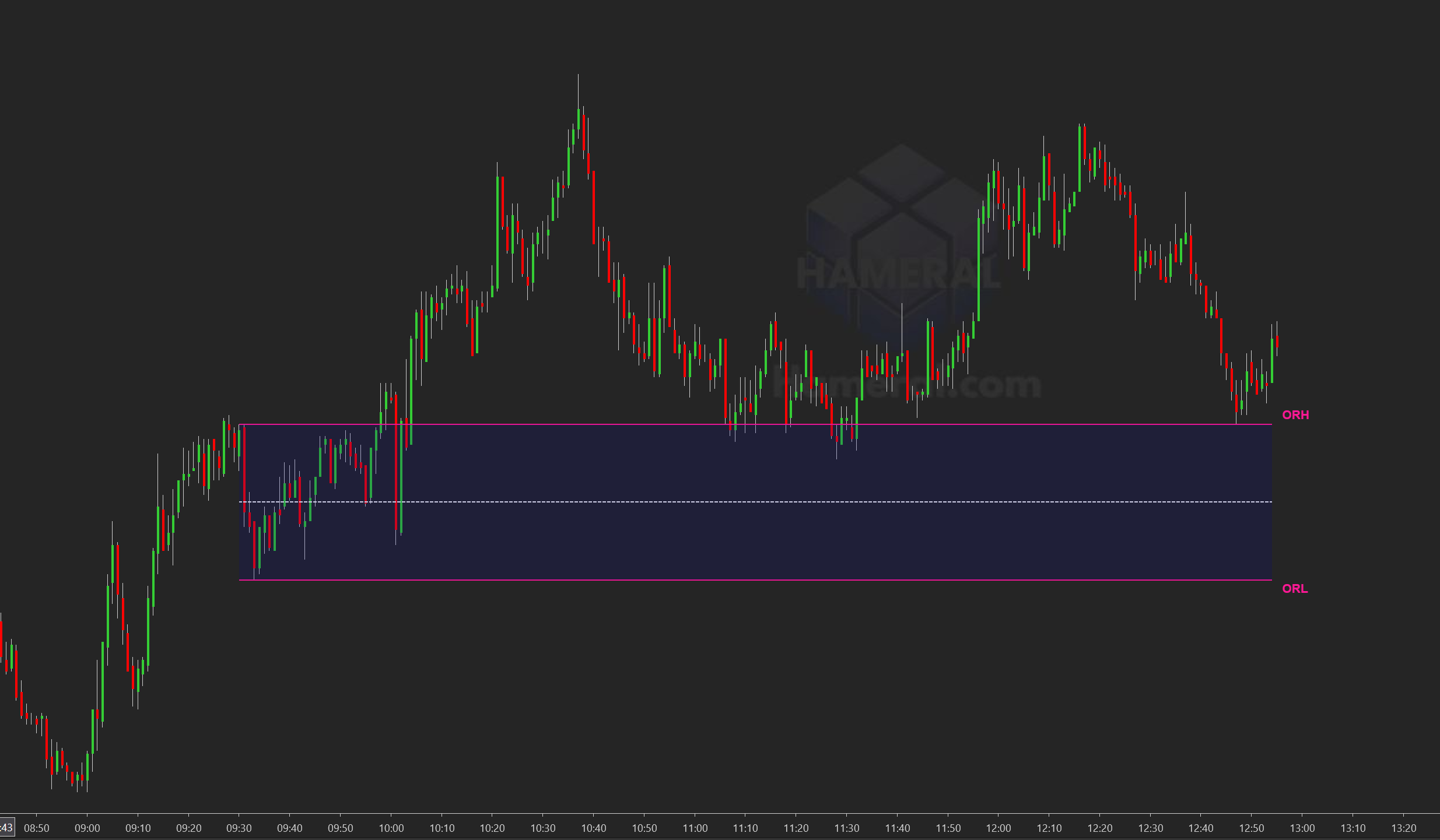
- ORH (Opening Range High)
- ORL (Opening Range Low)
- Clean, consistent drawing tags to keep your chart organized and professional
History Control (Clean Charts)
- Days To Display: Define how many past sessions remain visible
- 0 = Show all loaded history
- Automatically removes older drawings to reduce clutter and improve performance
Fully Customizable Styling
Independent control for complete visual flexibility:
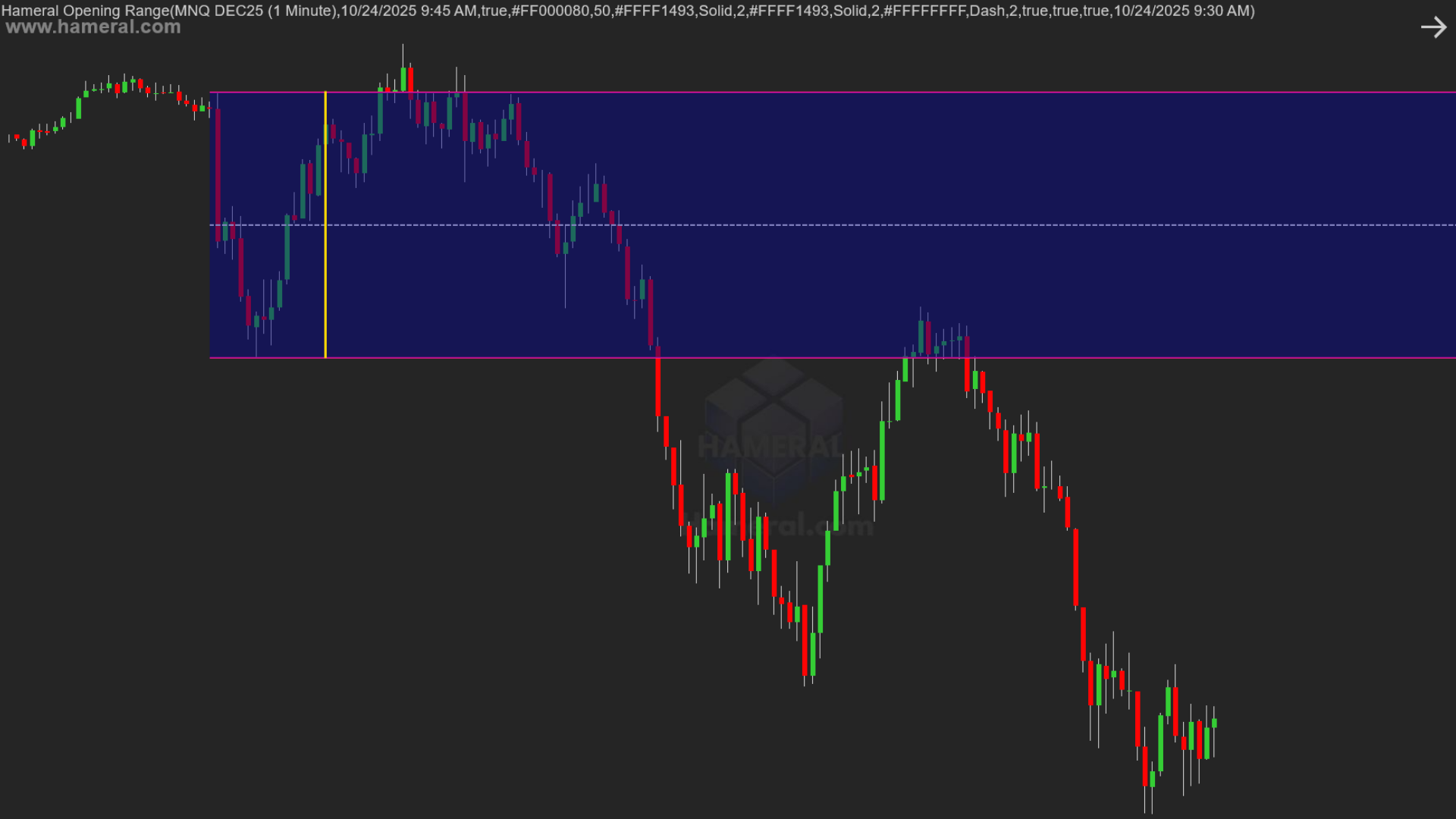
- Line Colors
- Line Styles (solid / dash)
- Line Widths
- Fill Colors & Opacity (Opening Range window and extension area)
Examples
How Traders Use Hameral Opening Range
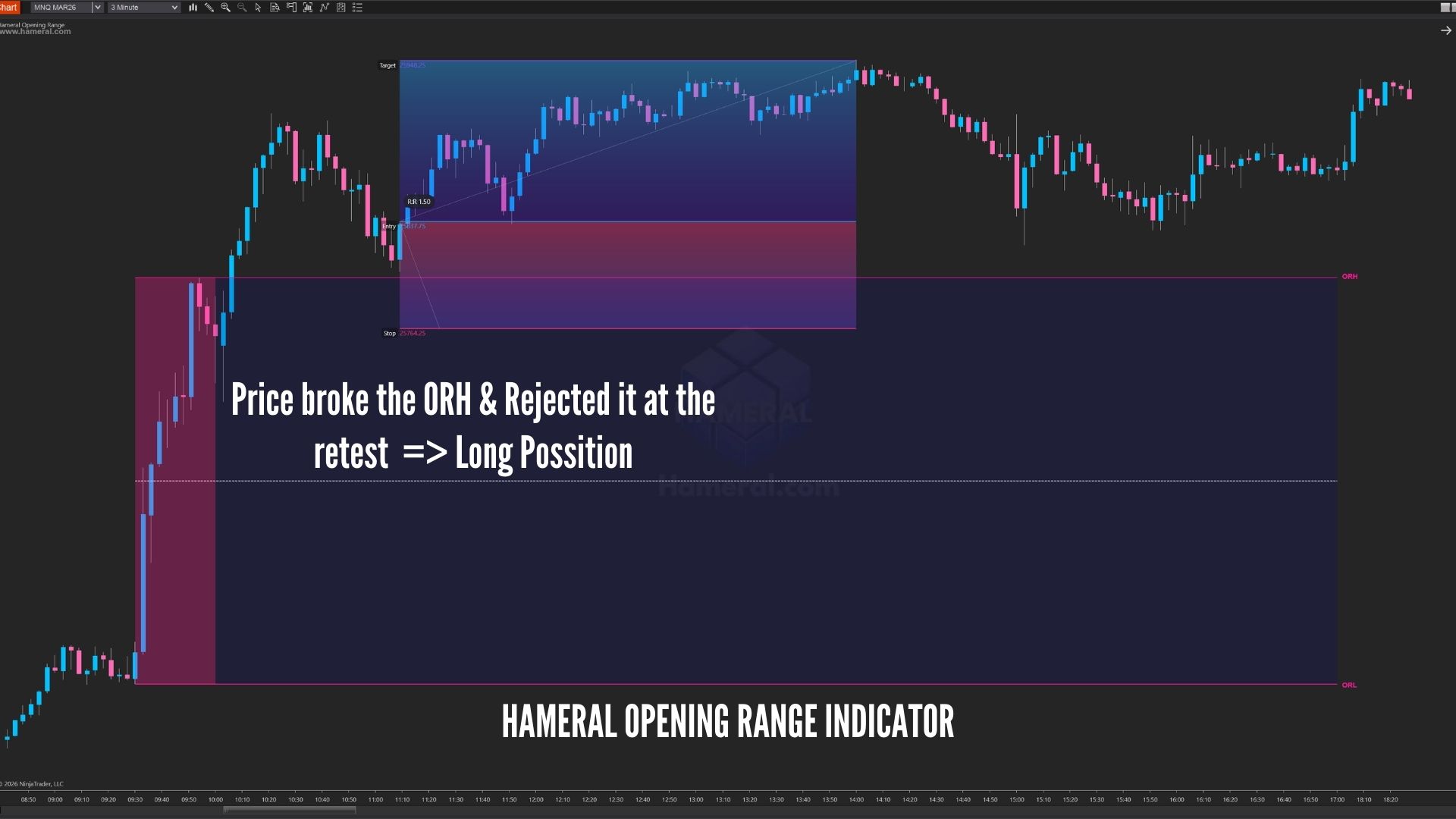
- Breakout Trades: Enter when price accepts above ORH or below ORL.
- Rejection (Fade) Setups: Trade failed breakouts when price sweeps OR levels and returns inside the range.
- Midline Bias: Use the midline as a quick balance/rotation guide to identify balanced vs. trending sessions.