Hameral Cumulative Delta
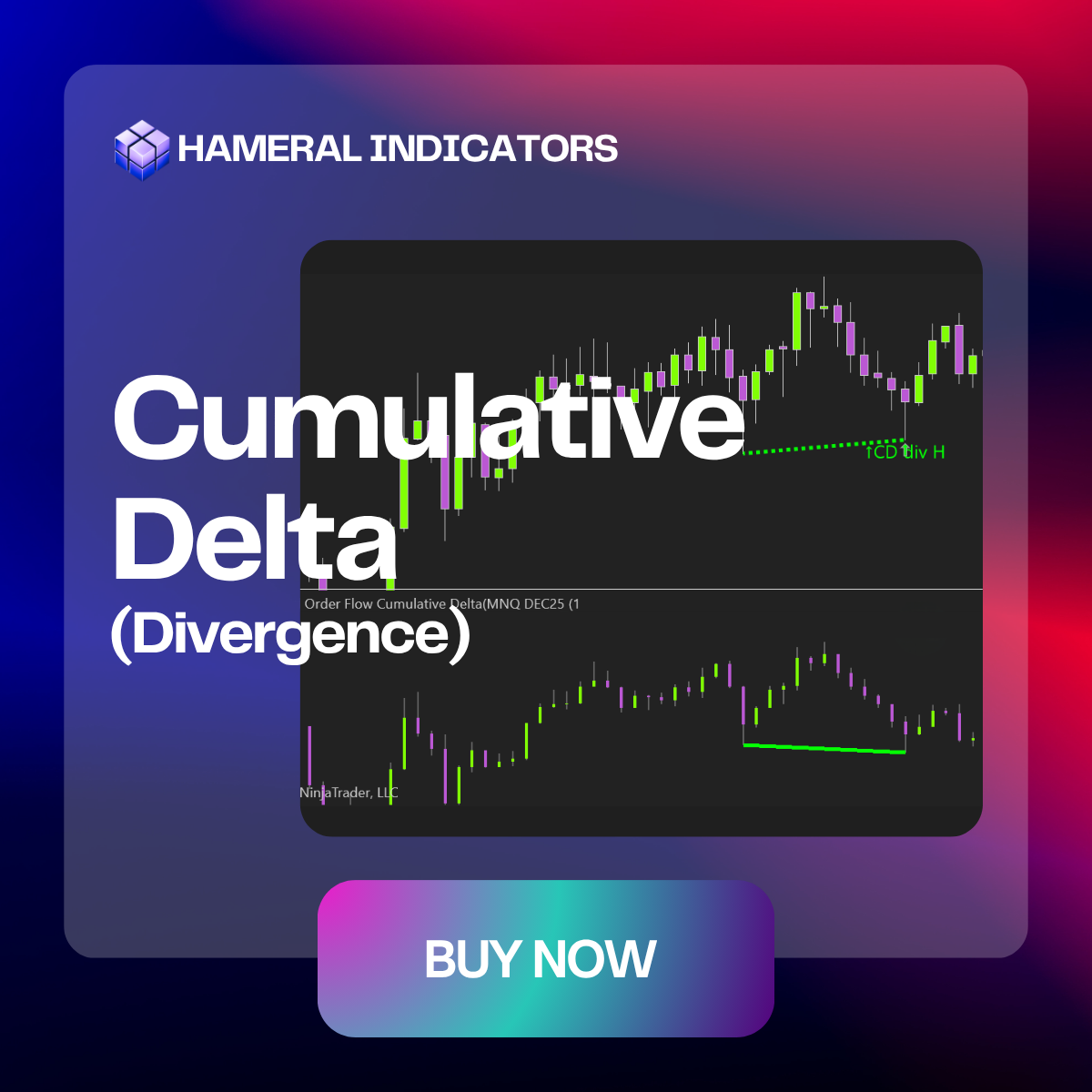
Cumulative Delta is running total of buy vs. sell volume, used to reveal real market pressure and confirm or anticipate price direction.

✔️LifeTime License ✔️ Free Updates ✖️ No Order Flow+ Needed
🛡️Secured SLL Checkout
💳 All Major Cards
✖️ VAT Not Included
Features & Setups
🖥️ Display Mode – Standard or Bid/Ask
Choose your preferred view — Standard or Bid/Ask mode.
Use the clean Standard mode for classic volume profile visualization, or switch to Bid/Ask split to see who’s more aggressive at each level – buyers or sellers.
Adapt your display to match your trading style and market conditions, with full control over colors, font, and layout.


⚙️ Profile Parameters & Visual Customization
Tailor the Volume Profile to match your strategy and chart layout.
Set how many profiles back you want to load, adjust the value area %, profile width, and opacity for maximum visibility. You can even flip the profile to the right side of your chart.
Style every element your way — from bid/ask colors to POC, VAH, and VAL line styles. You can also control histogram offset and use distinct colors for value area and outside VA zones.
This flexibility helps you build a chart that’s not only informative, but also comfortable and fast to read — especially during live trading.
📏 Extend POC, VAH & VAL – Spot Historical Confluence Zones
Keep key price levels visible beyond their original session.
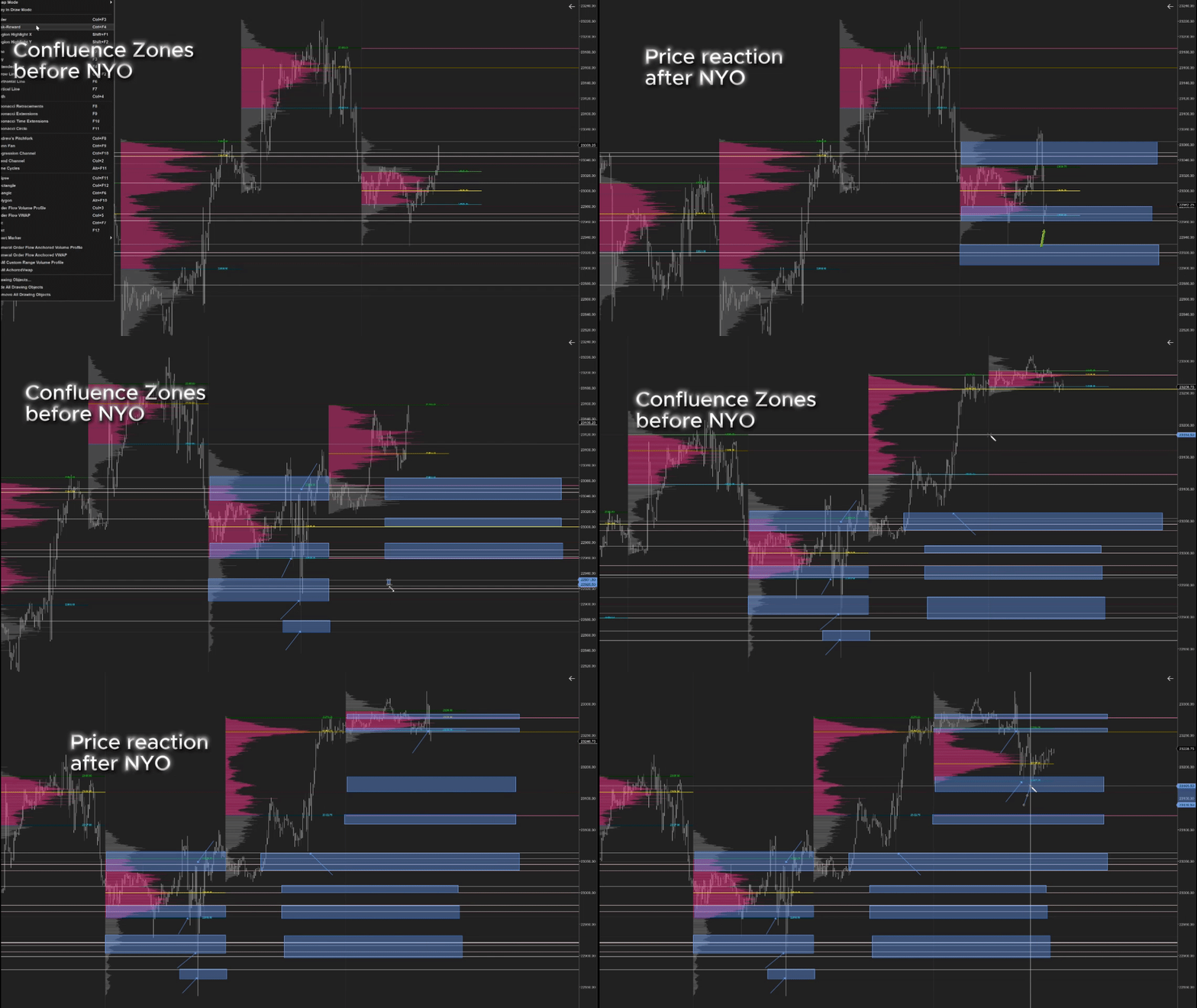
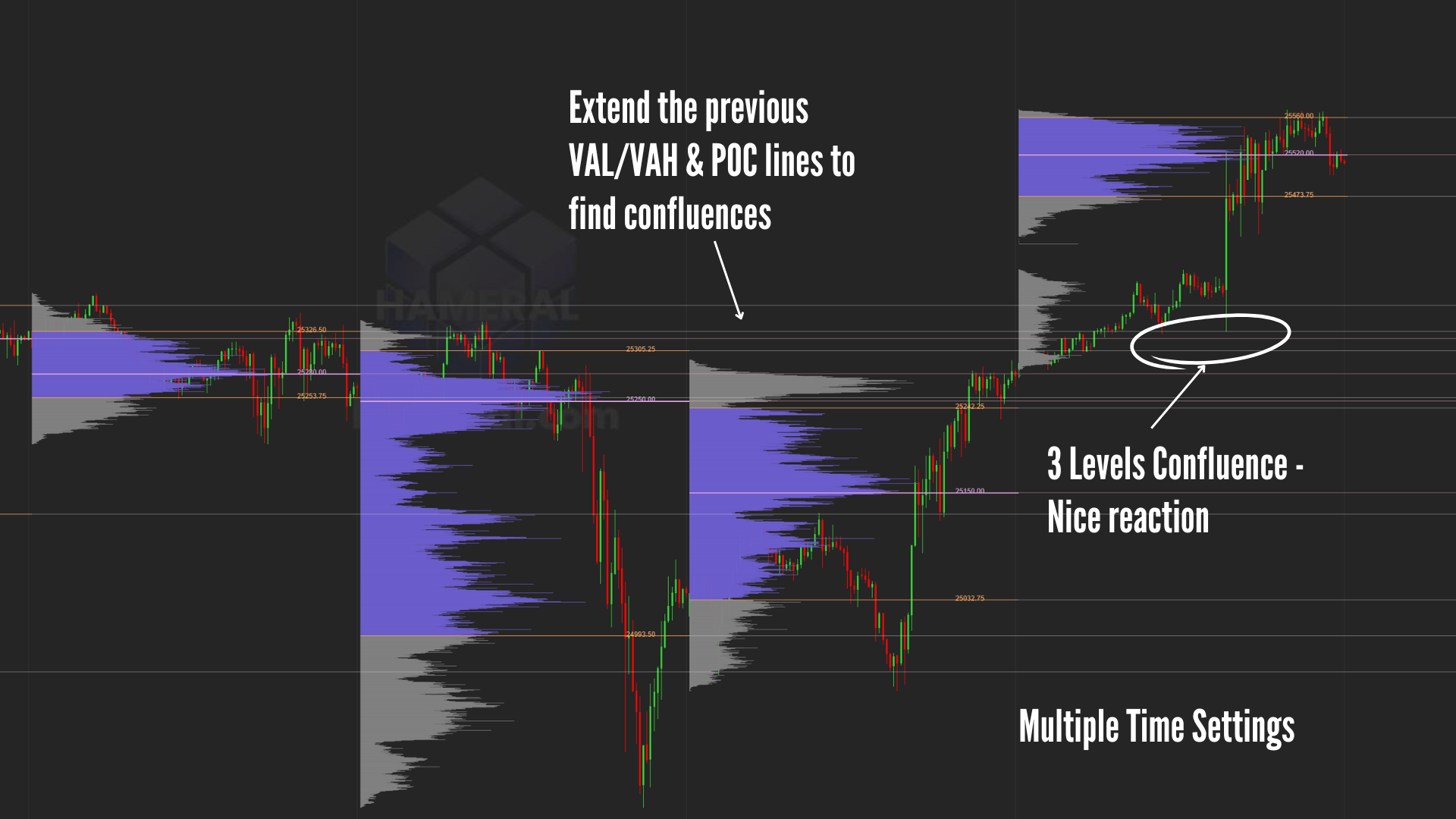
Extend previous POC, VAH, and VAL lines across your chart to see where price might react again. You can choose how many lines to extend and customize each one’s style and thickness.
This is especially useful for identifying high-confluence zones — where current price meets past value — helping you plan better entries, exits, or areas to watch.
Examples
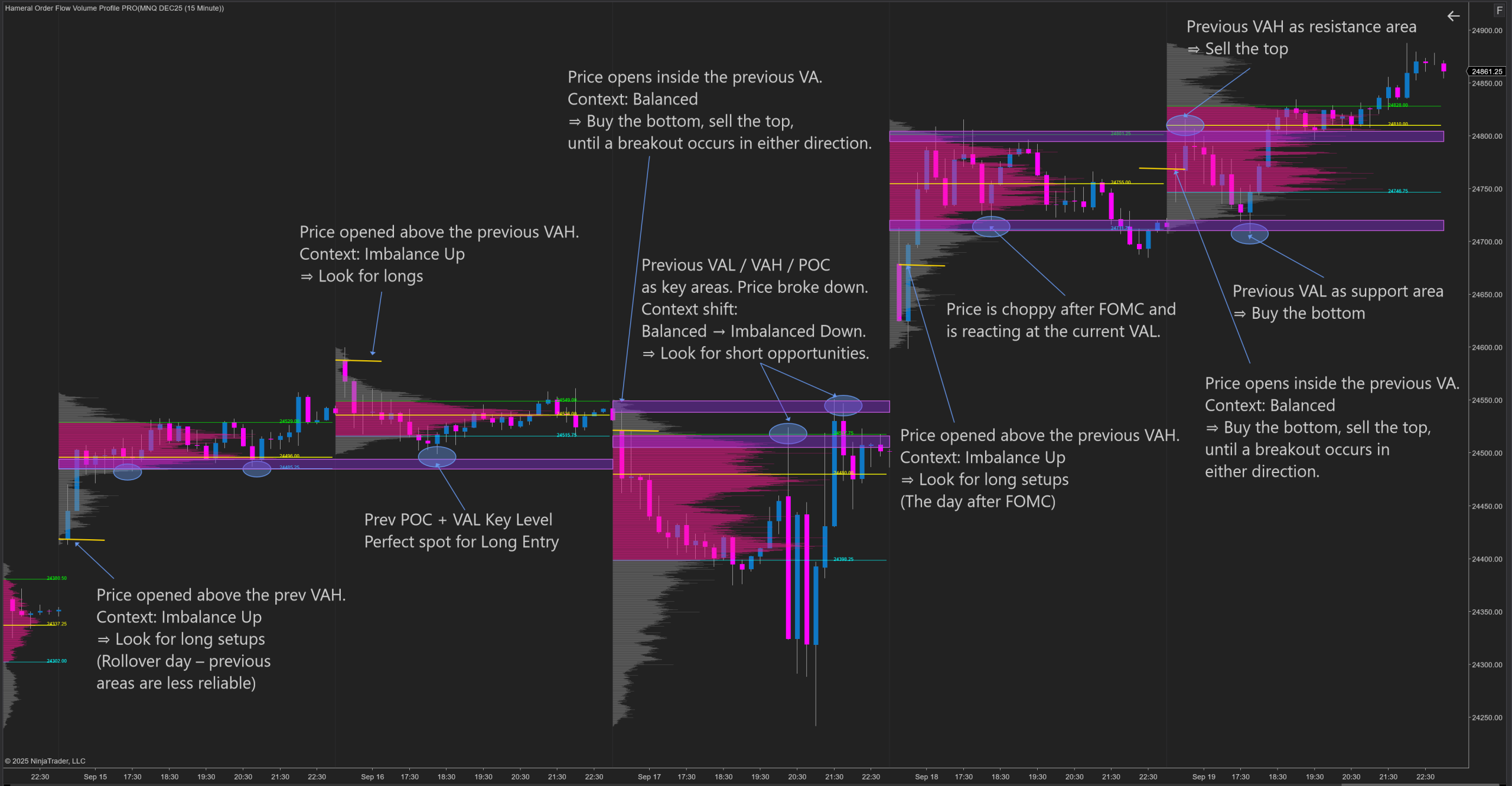
Volume Profile Examples