
💡FREE BASIC ORDERFLOW PACK
Free NinjaTrader Order Flow Delta Bars Indicator

📌 Overview
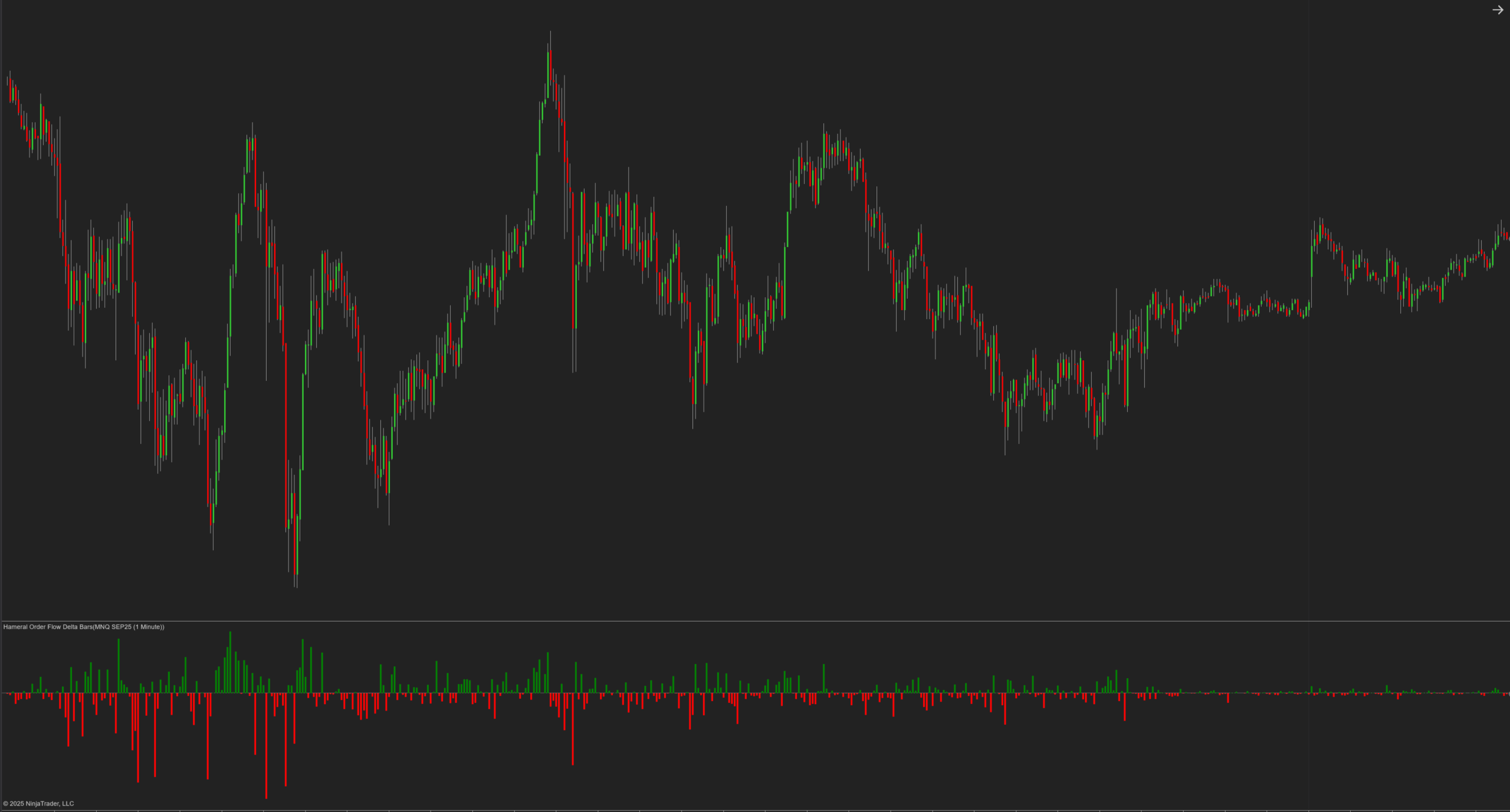
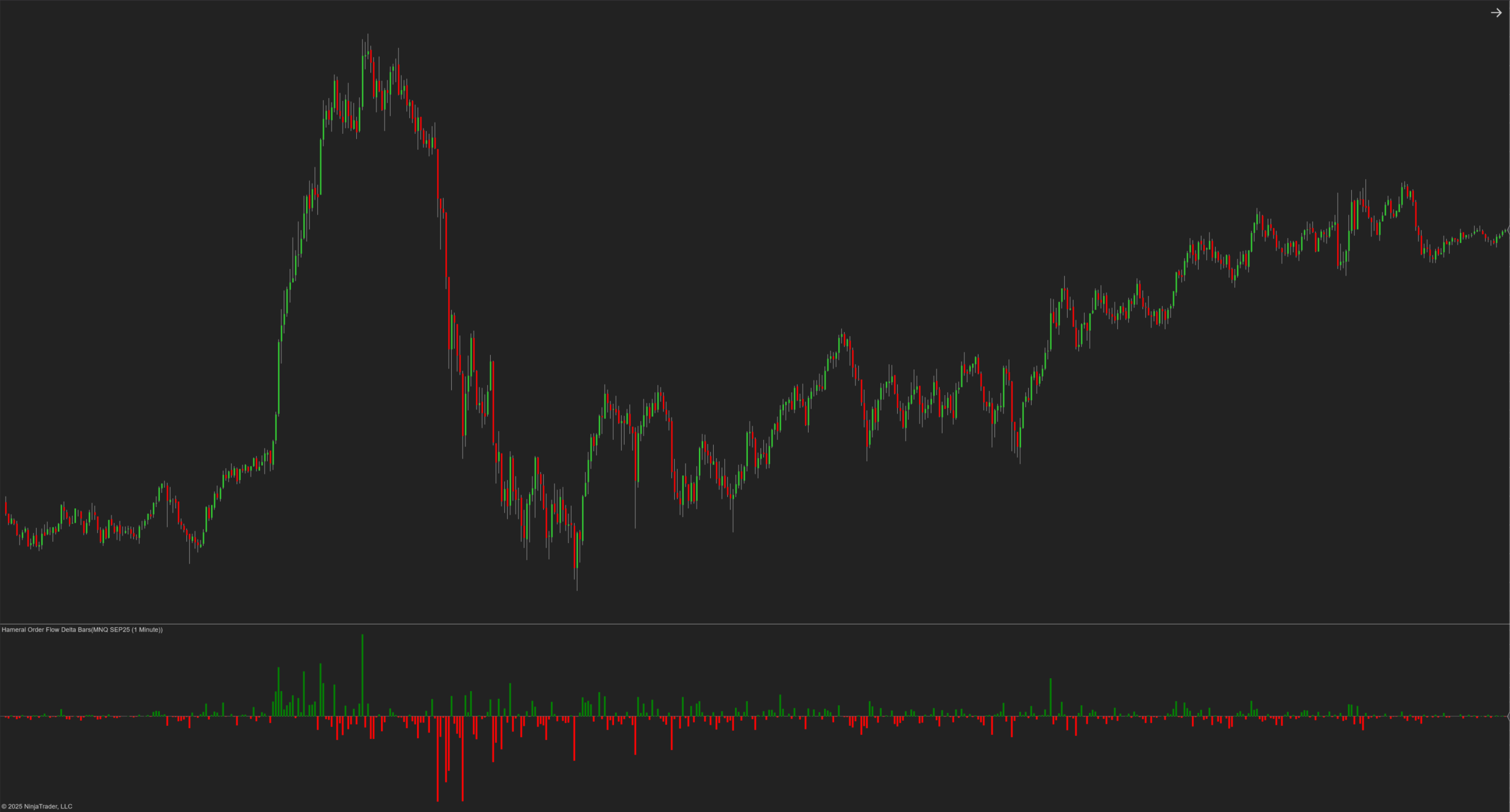
The Hameral Order Flow Delta Bars indicator displays real-time delta – the difference between buy and sell volume. This simple but powerful visual tool helps you gauge order flow sentiment at a glance, detect buying/selling pressure, and validate trade direction.
🎯 Why Use Delta?
Delta bars give you an inside look at order flow sentiment – something you can’t see just by looking at candles. Whether you scalp, day trade, or swing trade, knowing whether buyers or sellers are truly driving the market is critical.
🟢 Positive Delta (Green Bars) – More market buys than sells: indicates buyer pressure
🔴 Negative Delta (Red Bars) – More market sells than buys: indicates seller pressure
🧠 How to Use It
- Confirm strength behind price moves: Rising price + rising delta = strong buyer interest
- Spot exhaustion or trap zones: Price makes a new high, but delta turns negative = possible reversal
- Support and resistance confirmation: Large delta at a level may indicate absorption or breakout momentum
💡 Tips for Use
- Use in combination with Volume Profile or Footprint for full context
- Best suited for intraday traders using 3 – 15 minute charts
- Delta divergence is one of the most powerful reversal clues
More strategies will be available in our PDF guides and blog breakdowns.

🎛️ Customizable Settings
- Positive Delta Color: Green (editable)
- Negative Delta Color: Red (editable)
- Draw on its own panel: Yes
- Auto-width histogram bars
- Accurate tick-based calculation via internal AddDataSeries

🛠️ How to Install in NinjaTrader 8
- Download the pack: HameralBasicOrderFlowIndicators.zip
- In NinjaTrader, go to Tools → Import → NinjaScript Add-On
- Select the ZIP file and click Open
- Restart NinjaTrader 8
- Right-click chart → Indicators → Search “Hameral”
- Add it to your chart and customize it
📥 Get The Order Flow Basic Pack For FREE
Just sign up for our newsletter and get the full Hameral Basic Order Flow Pack instantly. This includes:
- ✅ Volume Profile Basic
- ✅ VWAP Basic
- ✅ Delta Bars Basic
- ✅ Footprint Basic
- 🎁 Bonus: Super Oscillator + Trading Template
💼 Need Advanced Order Flow Tools?
Looking for more flexibility and institutional-grade control? You’ll love the Hameral Pro Order Flow Pack, which includes:
- 📊 Session-by-session & Multi-Timeframe Volume Profiles
- 📌 Anchored Volume Profile
- 📈 Multi-Session VWAP with Standard Deviation Bands
- 📍 Anchored VWAP
- 📉 Cumulative Delta
- 🕯️ Advanced Footprint Chart — visualize order flow inside each candle, including absorption, delta, and more
- ⚡ Super Oscillator PRO with Market Extension Trigger